
1. A Message from the Developer
Thank you for purchasing Synth-80.
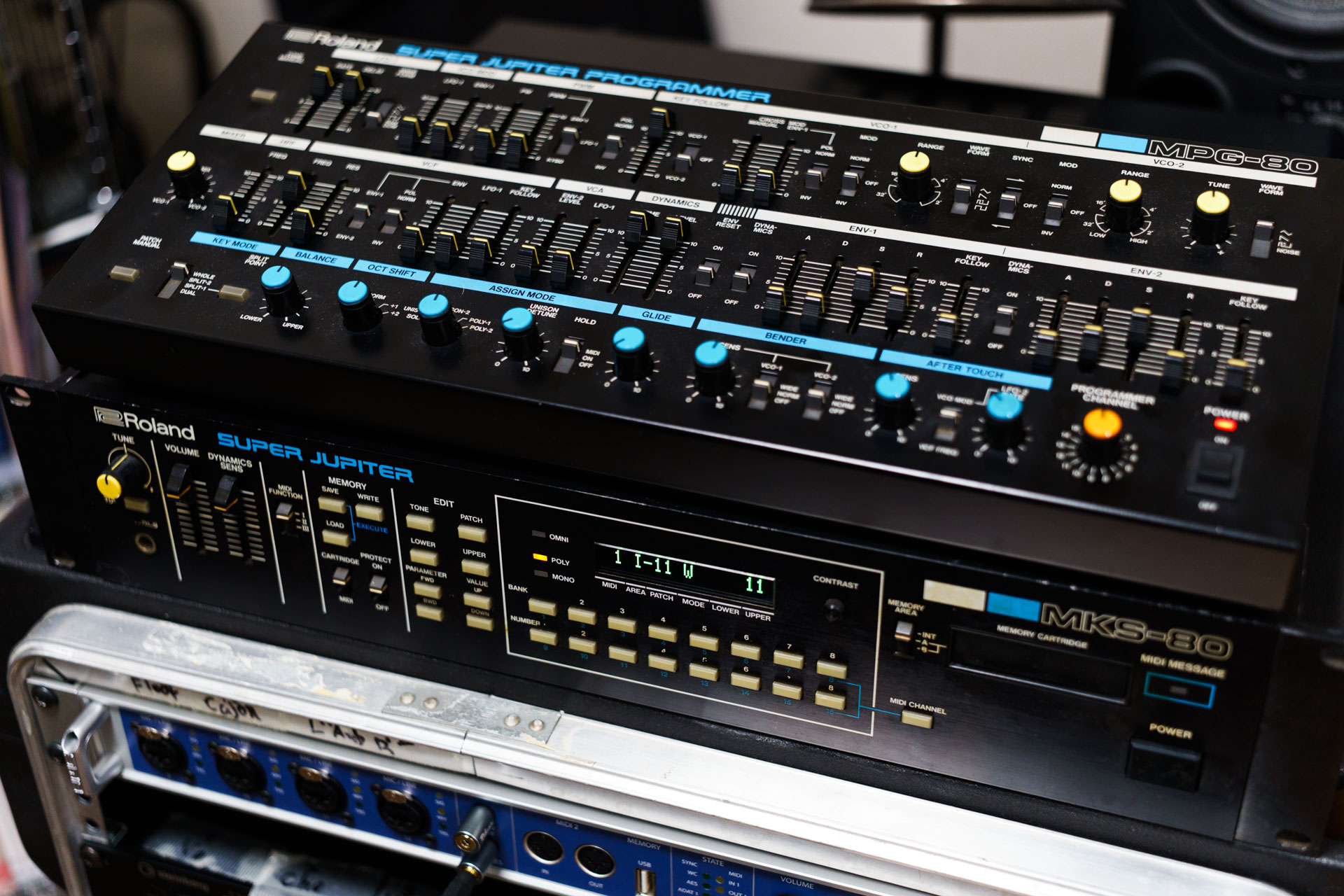
This software is an entirely personal project by its developer, Jun Murakami, a former composer and music producer. Even so, it has been developed with a firm commitment to delivering quality that is not inferior to any other existing plugin. In particular, for the analog modeling DSP that forms the foundation of the software, the analog synthesizer used as the model was analyzed exhaustively.
This software also deliberately steps back from the broad sound-design scope and feature density of today's modern synthesizers, and is instead designed to let you enjoy the simple, old-fashioned approach to synthesizer sound design as easily as possible. It also incorporates many touches that only software made for beginners can offer.
I would be delighted if you came to use it for a long time as a partner that lets you easily create high-quality sound that stands the test of time.
Acknowledgments
The bundled presets include high-quality additional patches created by experienced sound designers. I am deeply grateful to all of them for contributing such wonderful sounds.
- Added September 25, 2026 - 143 Patches by David A. Logan (Bundled with Ver. 1.0.21)
- Added September 13, 2026 - 20 Patches by Björn Bojahr (Bundled with Ver. 1.0.18)
- Added July 29, 2026 - 70 Patches by Björn Bojahr (Bundled with Ver. 1.0.16)
- Added July 10, 2026 - 110 Patches by Takeshi Abo (valsound) (Bundled with Ver. 1.0.13)
- Added July 5, 2026 - 32 Patches by Saif Sameer (Bundled with Ver. 1.0.11)
You can find these patches in each sound designer's folder in the left column of the preset browser (→ Chapter 5, 5.7).
About the Demo Version
Even before license activation (in demo mode), Synth-80 lets you operate all parameters and presets to try out sound design. During the demo, demo noise is inserted at regular intervals. Activating a valid license removes the demo noise. For the activation procedure, see → Chapter 2 "Installation, License Activation, and File Locations".
About Trademarks
The manufacturer names and product names mentioned in this manual are trademarks belonging to their respective companies and have no connection whatsoever with the developer of this product. Trademarks of other companies are used solely to identify the references whose characteristics and sound were researched and analyzed during the development of this product. All equipment names, inventor names, and manufacturer names are listed for descriptive and educational purposes only, and do not imply any affiliation with, endorsement by, or approval from the inventor or manufacturer of any equipment.